Zero-Based Budgeting App
A zero-based budgeting app without the heavy system.
Pigi helps you give every dollar a job, then keeps the plan easy to check, edit, and restart when the month gets messy.

Quick answer
Give the month
a clear job.
Zero-based budgeting works best when it feels like a simple decision tool, not a rigid system. Start with the money you have, assign it to real needs, and keep the month editable.
Give every dollar a job
Start with what
the money needs to do.
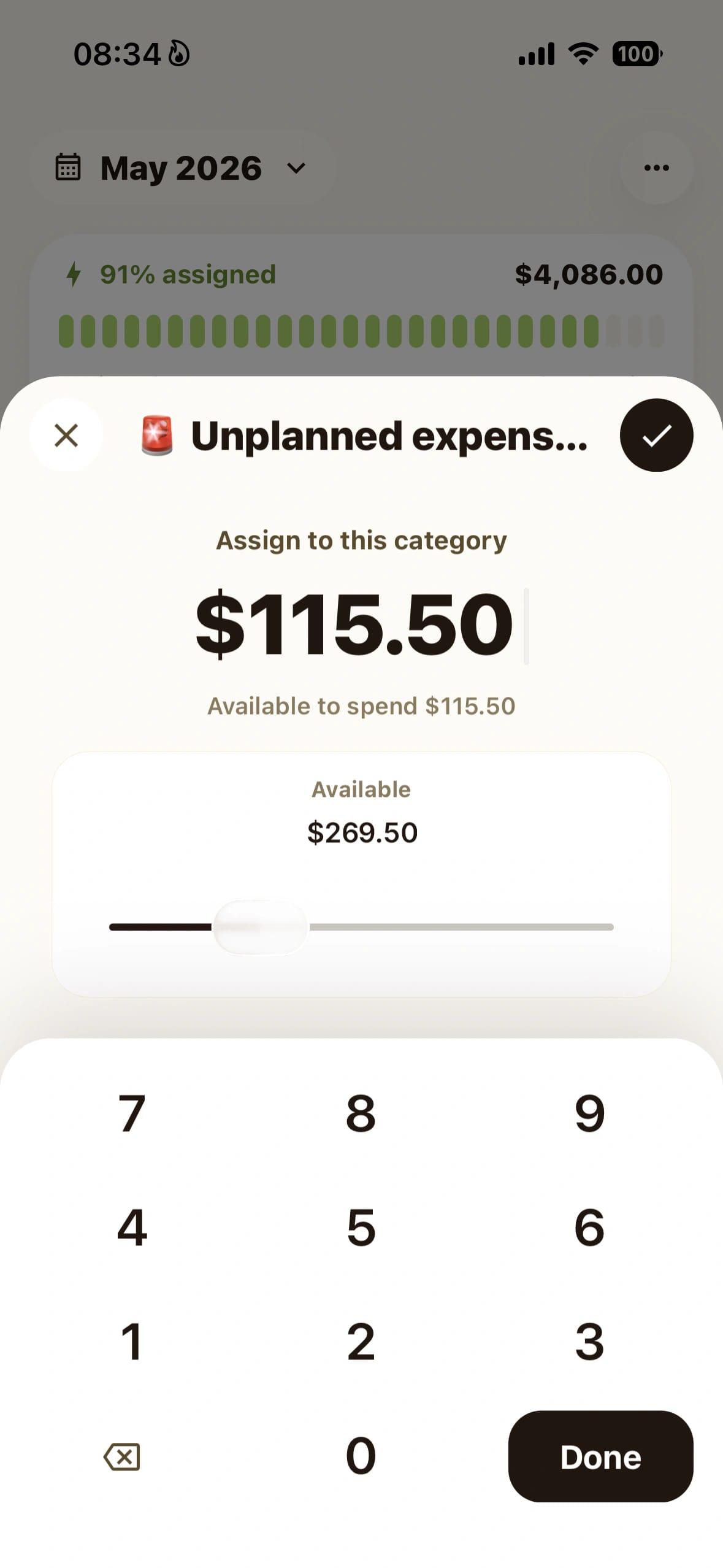
Zero-based budgeting means every dollar has a clear job before the month spends itself. Pigi keeps that idea practical: bills, groceries, savings, subscriptions, goals, and fun money all get a place.
Plan from real income
Use the money you expect to spend this month, not a best-case guess.
Fund essentials first
Bills, minimum payments, and must-cover costs get assigned before flexible spending.
Name fun money too
A good zero-based budget includes spending you actually want, not only restrictions.
Lighter than a big system
Budgeting should not become
another app to manage.
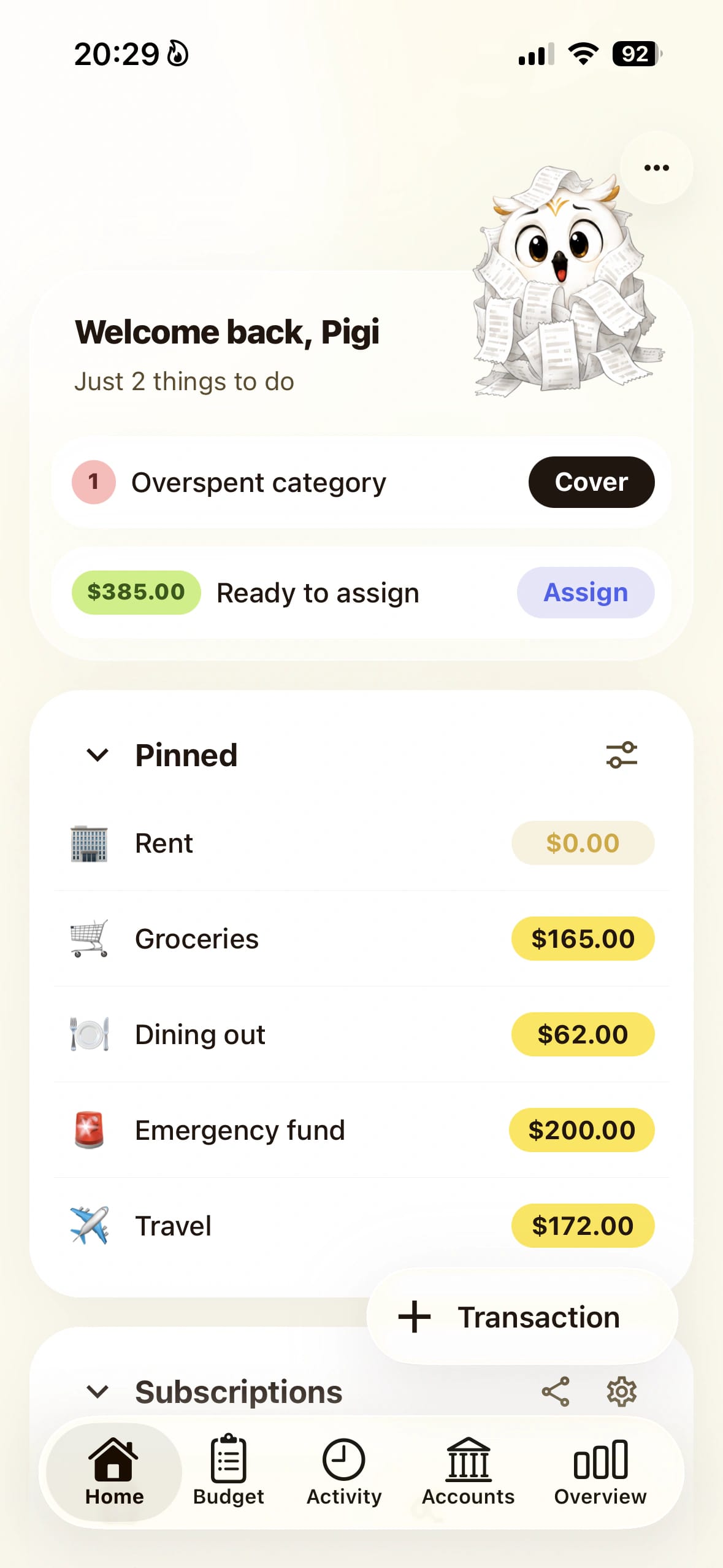
Pigi is built for people who like the clarity of zero-based budgeting but do not want bank sync, reports, and maintenance to become the main event.
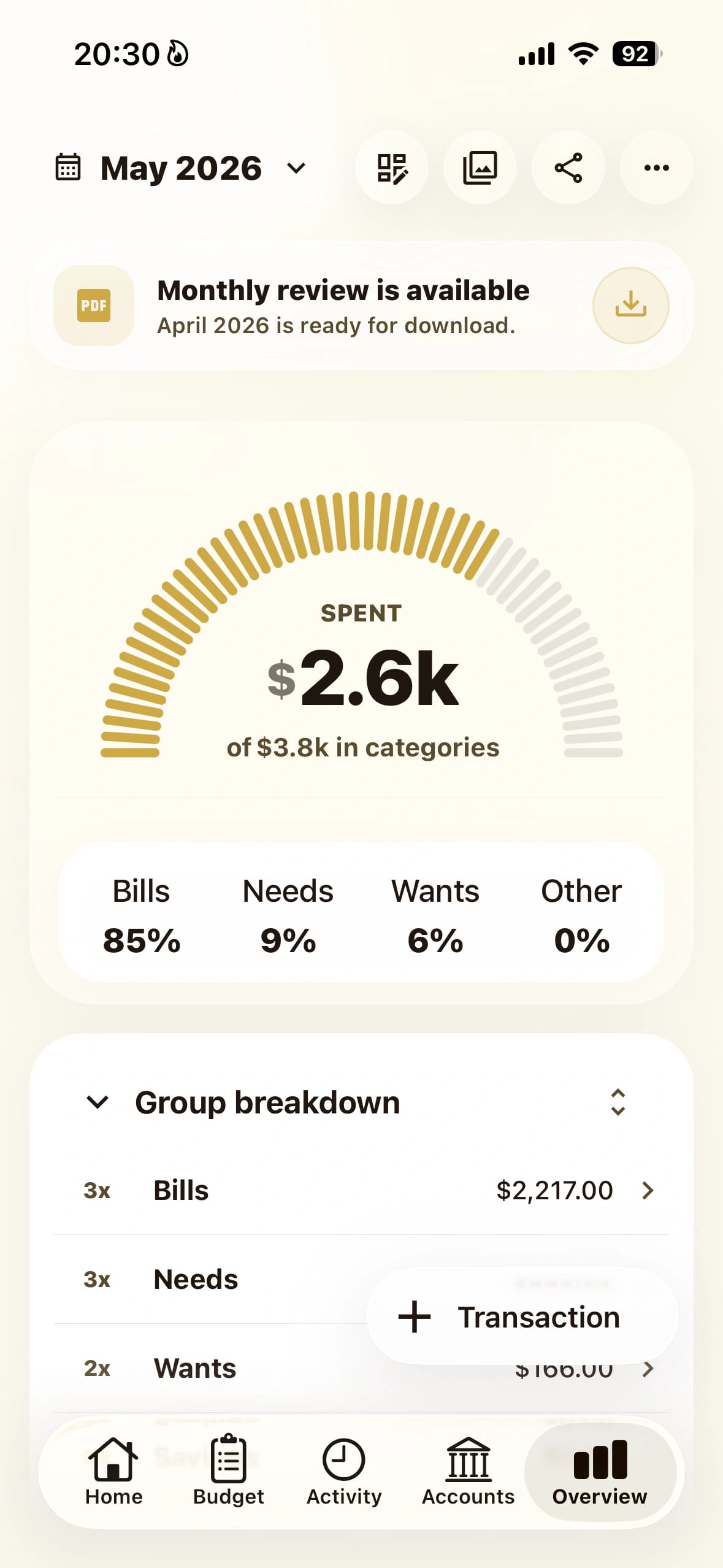
- Widget checks: Home screen widgets show key category balances, so you can check before spending without opening the app.
- Manual tracking by design: Enter spending when it happens so the category balance stays meaningful.
- Reset without rebuilding: When a month gets messy, clear the budget while keeping categories and groups.
Fit comparison
Which budget setup
fits your month?
The right tool depends on the kind of help you want. Use this as a fit check, not a forced ranking.
Starting point
PigiThis month's real money
Heavier systemsMore setup before the first useful plan
Method
PigiGive every dollar a job
Heavier systemsOften wrapped in more rules or reports
Daily use
PigiCheck categories before spending
Heavier systemsReview after import or cleanup
Adjustments
PigiMove money and keep going
Heavier systemsMore budget maintenance
Fit check
When Pigi fits,
and when it does not.
Pigi is focused on simple monthly planning. That is helpful for some people, and too narrow for others.
Pigi may fit if...
- You want a monthly plan before spending starts.
- You like category budgets but do not want a large money system.
- You want to move money when real life changes.
- You want a budget you can check quickly.
Pigi may not fit if...
- You want automatic bank import to do most of the work.
- You need desktop reports, investing, or tax tools.
- You prefer a budget you never update during the month.
- You want a full household finance platform today.

Zero-Based Budgeting App FAQ
Questions before
you try it.
Short answers about zero-based budgeting, giving dollars jobs, and using Pigi without turning the method into a chore.
Yes. Pigi helps you give every dollar a job by assigning monthly income to bills, spending categories, savings, debt, and goals before you spend it.
psst… clearer
spending starts here
Download the app
Pause the impulse
then spend on purpose.
Open Pigi, check your plan, and decide in the moment without second-guessing every swipe.

Here’s to the first page of your easier money story.
Take it slow — we’re rooting for you.
with care, the Pigi team