Budget categories
Budget categories for monthly planning
A simple list of categories for bills, everyday spending, savings, debt, and irregular expenses. Start broad, then add detail only where it helps you make better money decisions.

Quick answer
What are
budget categories?
Budget categories are groups you use to organize income, bills, spending, savings, and debt. They help you decide where money should go before you spend it.
The best starting point is a short list you can maintain. You can always split a category later if the extra detail helps.
Category list
A simple list of
budget categories.
Use these as starter groups. Keep what applies, rename what sounds wrong, and remove anything that makes the budget harder to update.
Income
Money you expect to use this month after taxes and deductions.
- Paychecks
- Side income
- Freelance deposits
- Support payments
Housing and bills
Costs that need a spot before everyday spending starts.
- Rent or mortgage
- Utilities
- Insurance
- Phone and internet
Everyday spending
Common purchases that change from week to week.
- Groceries
- Gas or transit
- Household items
- Pet supplies
Optional spending
Categories that help you plan wants without mixing them into essentials.
- Dining out
- Coffee
- Clothes
- Entertainment
Savings and goals
Money set aside before the month quietly spends it for you.
- Emergency fund
- Travel
- Gifts
- Large purchases
Debt payments
Minimums and extra payments you want to plan on purpose.
- Credit cards
- Student loans
- Car loan
- Extra payoff
Subscriptions
Recurring charges that are easy to forget until they hit.
- Streaming
- Software
- Memberships
- Cloud storage
Irregular expenses
Costs that are not monthly, but still need money over time.
- Car repairs
- Medical copays
- Annual renewals
- School costs
Where did my money go?
Categories turn transactions
into an answer.
A raw transaction list tells you what happened one purchase at a time. Categories group that activity so you can see whether groceries, dining out, subscriptions, or transportation need more attention.
Transactions
One by oneSmall Cheval
Chase Checking · Dining out
Whole Foods
Chase Checking · Groceries
Netflix
Amex Gold · Subscriptions
Shell
Amex Gold · Transportation
Categories
Ready to useStarter templates
Budget category templates
to start from.
A template is only useful if you can edit it. Pick the closest one, then change category names until the plan matches your bills and goals.
Simple starter
Good when you want fewer categories and faster check-ins.
Household
Useful when several people share bills or spending.
Debt payoff
Keeps required payments separate from extra payoff money.
Irregular income
Helpful when pay changes and you want a conservative plan.
How many
How many budget categories
should you use?
For most people, 8 to 15 categories is enough. If every purchase needs a tiny bucket, the budget gets harder to maintain. If the categories are too broad, you may not know what to change.
Start with broad groups
Use enough categories to make decisions, not so many that the budget becomes a chore.
Split categories when it changes behavior
For example, separate groceries and dining out if you want different limits for each.
Keep forgotten costs visible
Annual renewals, car repairs, gifts, and medical costs should not surprise the month.

With Pigi
Categories are easier
when they stay editable.
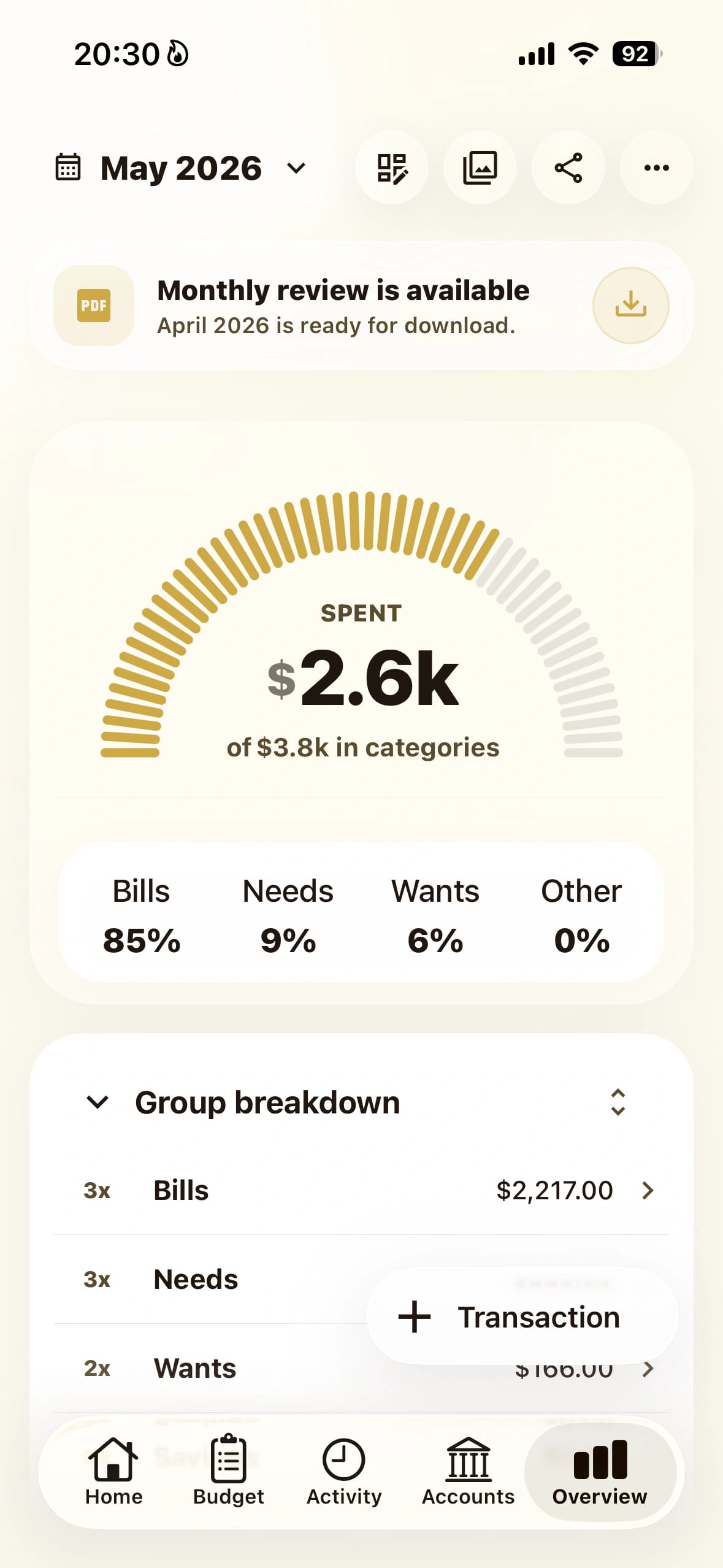
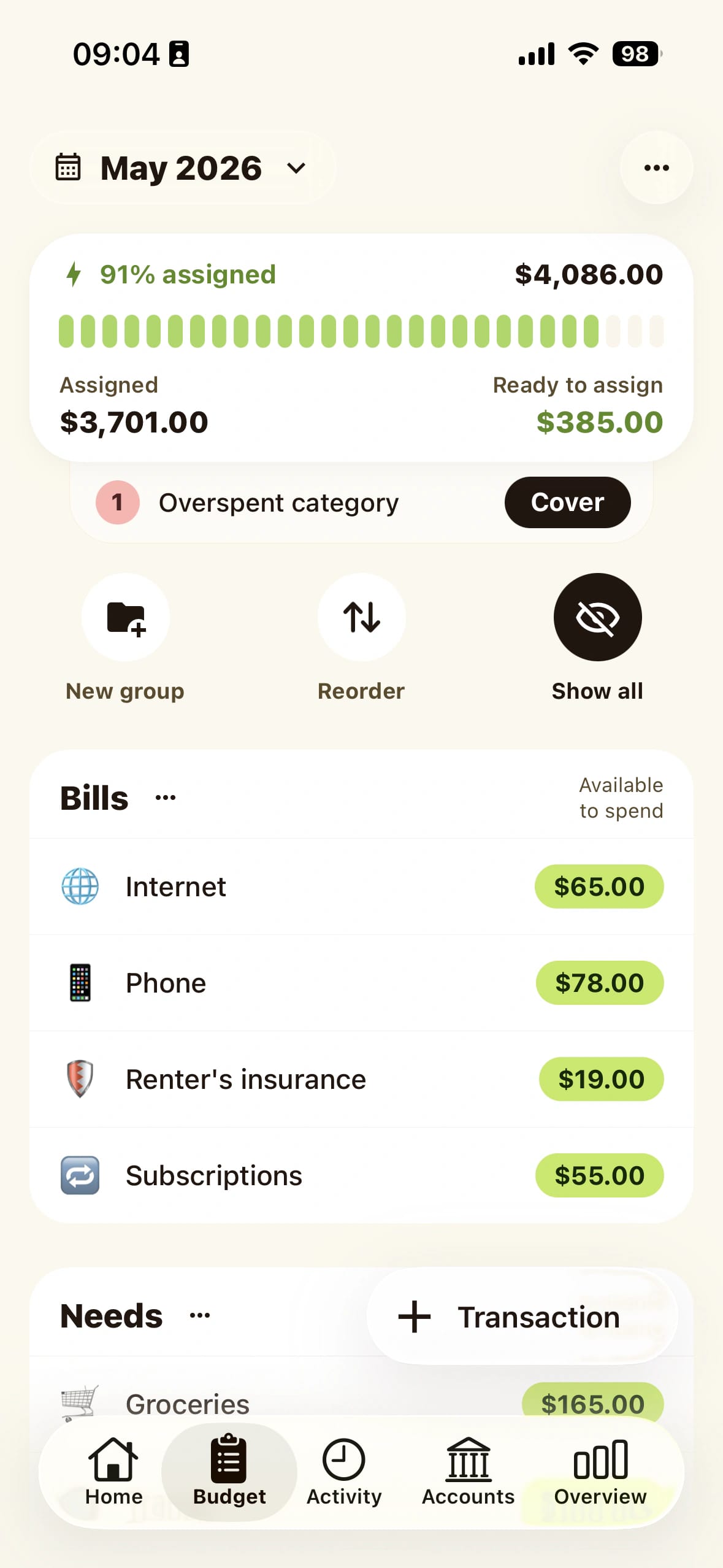
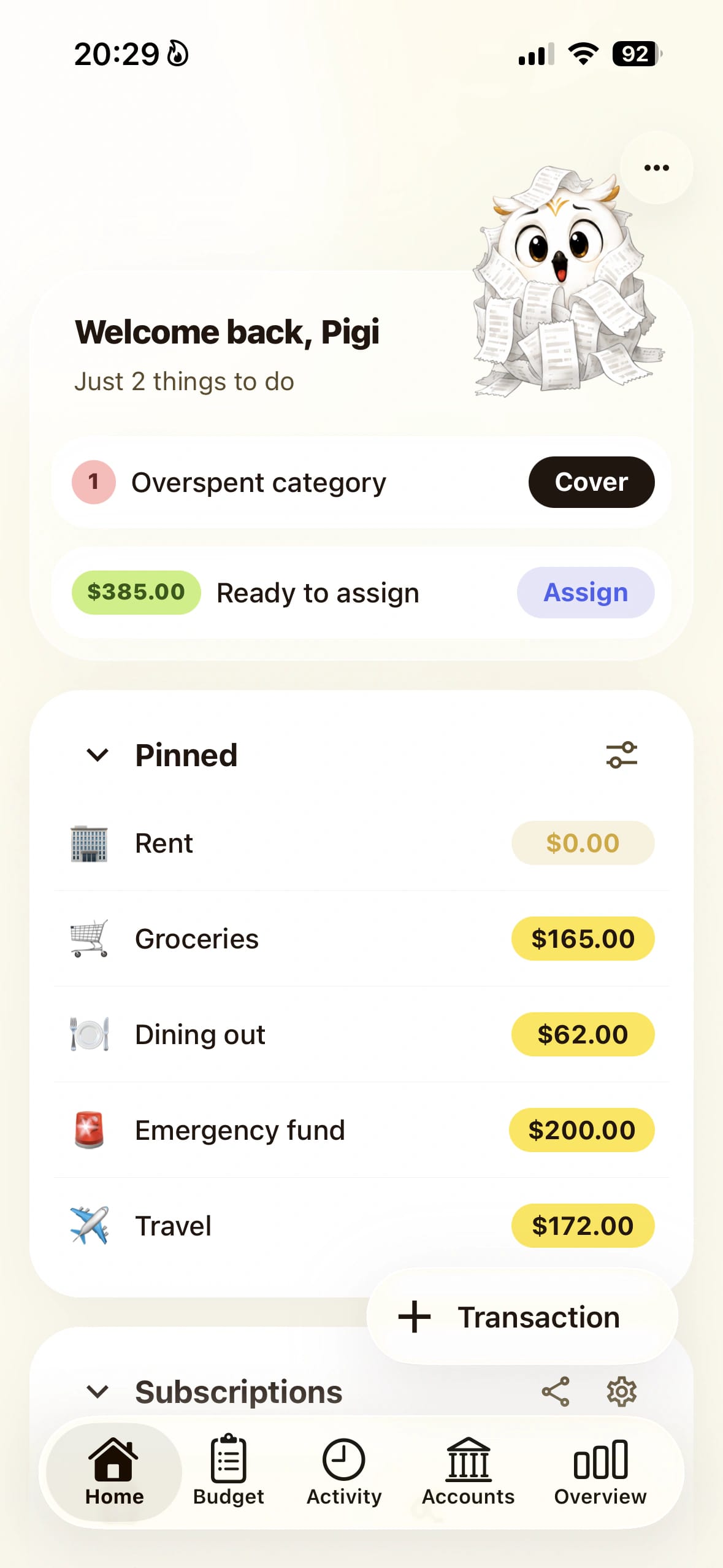
Create categories for bills, spending, and goals
Use categories to name where money should go before the month starts.
See what is available in each category
A category balance is easier to trust than a raw bank balance.
Move money when the plan changes
Adjust categories during the month without rebuilding the budget.
Related guide
How to make a budget
Use the category list inside a full step-by-step monthly budget.
Related guide
Monthly budget planner
See how a monthly planner turns categories into a working plan.
Related guide
Zero-based budgeting app
Give every dollar a job by assigning income to useful categories.
Related guide
Safe-to-spend budget app
Use category balances to decide what is actually available to spend.

Budget categories FAQ
Questions
before you organize.
Short answers about choosing, naming, and changing budget categories.
Budget categories are groups you use to organize income, bills, spending, savings, and debt. They help you decide where money should go before you spend it.
psst… clearer
spending starts here
Download the app
Pause the impulse
then spend on purpose.
Open Pigi, check your plan, and decide in the moment without second-guessing every swipe.